
 Reference
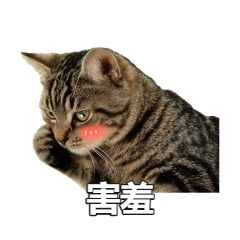
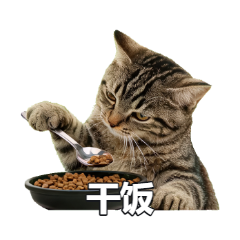
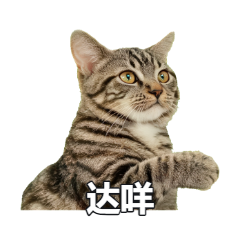

Workflow
-
01
Pick the identity reference
Choose an image that shows the character's face shape, eyes, hair or fur markings. Avoid silhouettes and images where the face is hidden.
-
02
Plan useful chat emotions
Combine happy, speechless, shocked, refuse, received and goodnight reactions instead of generating several near-identical expressions.
-
03
Add only essential constraints
Mention important identity details such as eye color or a distinctive pattern. Avoid packing the background, text, action and props into one prompt.
-
04
Review the pack for consistency
Check the face shape, eye color, markings, outfit and visual style. Regenerate isolated outliers instead of discarding the whole batch.
Reference photos by subject
- Pets: visible head, complete markings and no overlapping hands or toys
- Babies: natural expression, soft lighting and an unobstructed face
- People: front or slight side angle, natural colors and limited heavy filters
- Anime characters: clear silhouette, hair and color notes with a simple background
Why batch generation feels like a pack
A pack works when every sticker shares a recognizable character and visual language. Batch generation reuses subject analysis, style and composition rules, making the set more consistent than generating each image independently.
Large packs may be split into several master sheets. Small differences can still appear between sheets, so simplify backgrounds and large pose changes when consistency is critical.
Save and export results
Results are cached in the current browser by default and remain available after changing the source image. You can download individual images or select several and export a ZIP.
The server does not maintain a generated-result database. Download anything you want to keep for the long term.
Frequently asked questions
How many stickers can one photo generate?
A single session can plan up to 16 stickers. Packs of 12-16 may be split across several master sheets. The browser cache keeps up to 100 results.
Can a side-profile photo work?
Yes, but consistency may be lower because the model has less information about the other side of the face.
Will text and background from the photo be copied?
Generation focuses on the subject rather than preserving the original background. Visible text can still confuse subject analysis, so crop or cover it first.
Are baby and portrait photos stored?
The original is processed in server memory for the request and is not written to a server database. Results are cached in the current browser by default.