Pet companion
 Reference
 GIF
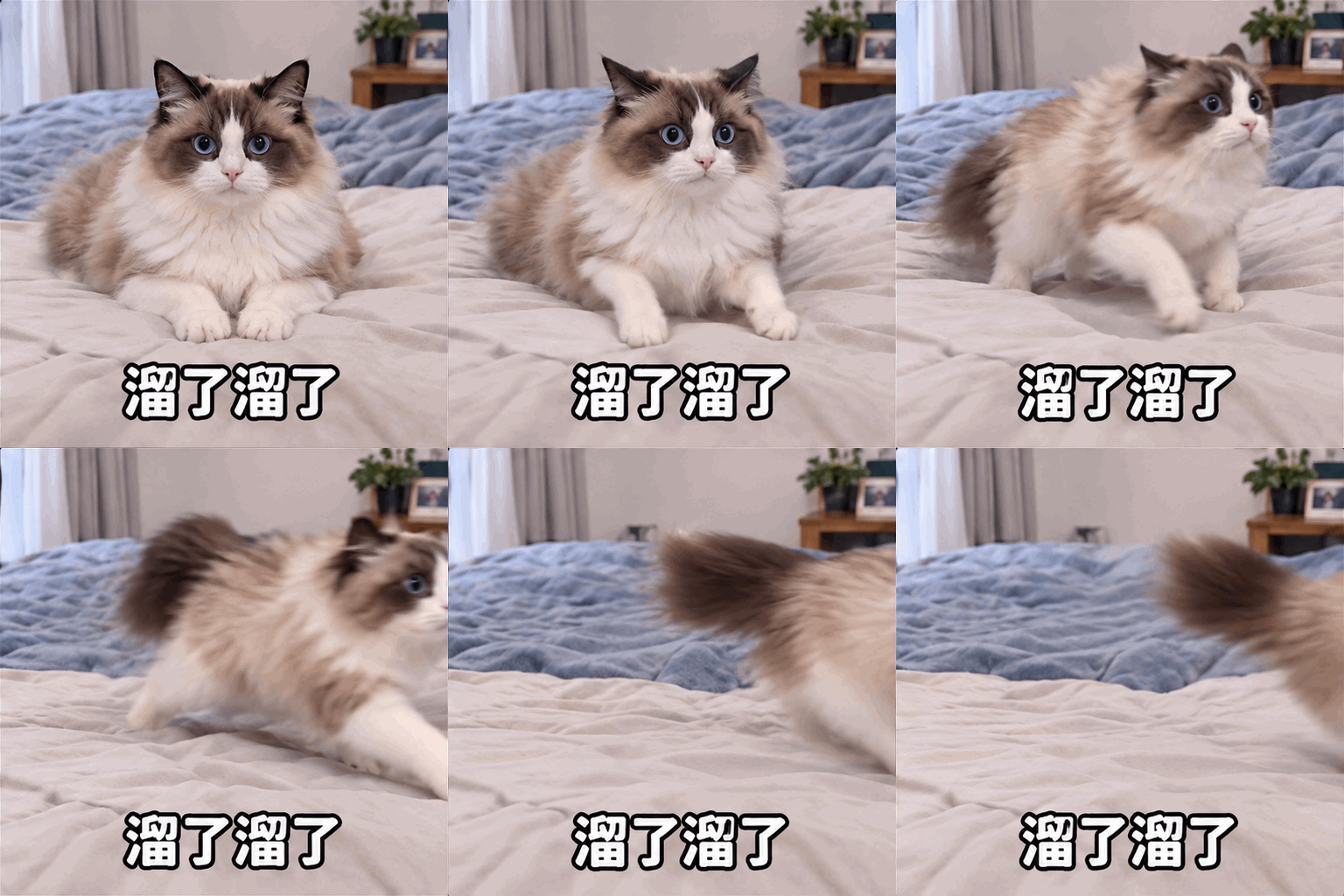
它慌张的站起来然后跑走了,底下配文字'溜了溜了'
Workflow
-
01
Upload one clear reference image
Use one person or pet. Avoid crowded groups, overlapping faces and backgrounds with several similar subjects.
-
02
Describe one short action
Try instructions such as “wave twice and stop” or “blink and nod once”. One main action produces a cleaner loop.
-
03
Choose frame count and size
Start with 6-9 frames at 448 pixels. A readable silhouette and a stable action matter more than a high frame count.
-
04
Review the loop
Check whether the first and last frames connect smoothly. If not, reduce the motion range or simplify the instruction.
Actions that work well as animated stickers
- Pet reactions: head tilt, paw movement, looking around
- Human emotions: nod, shake head, wave, step back in surprise
- Character actions: greet, clap, spin, make a heart
- Seasonal reactions: celebrate, open a gift, wave hello
Reduce character drift
Keep the subject large enough to preserve facial details. Do not ask one animation to change the outfit, art style, background and species at the same time.
If motion is too strong, shorten the action and explicitly preserve the face, hair or fur, clothing and body proportions.
Frames, dimensions and file size
Mysticker supports 2-16 frames and square outputs of 384, 448 or 512 pixels. Chat apps usually do not need high resolution; prioritize a clear outline and a smooth loop.
If the destination platform compresses GIFs, keep a clean source export and compress a copy for that platform instead of starting with an unnecessarily small image.
Frequently asked questions
How is an AI animated sticker different from a normal GIF?
A normal GIF may come from video, screen capture or hand-drawn frames. An AI animated sticker uses a reference image to preserve a character and generates a short motion from a text description.
What format does the animated sticker use?
Mysticker exports GIF. Reference uploads can be JPEG, PNG, WebP, HEIC or HEIF.
Does a higher frame count always look smoother?
No. Within the 2-16 frame range, motion design and loop continuity often matter more than frame count.
Can I animate a pet photo?
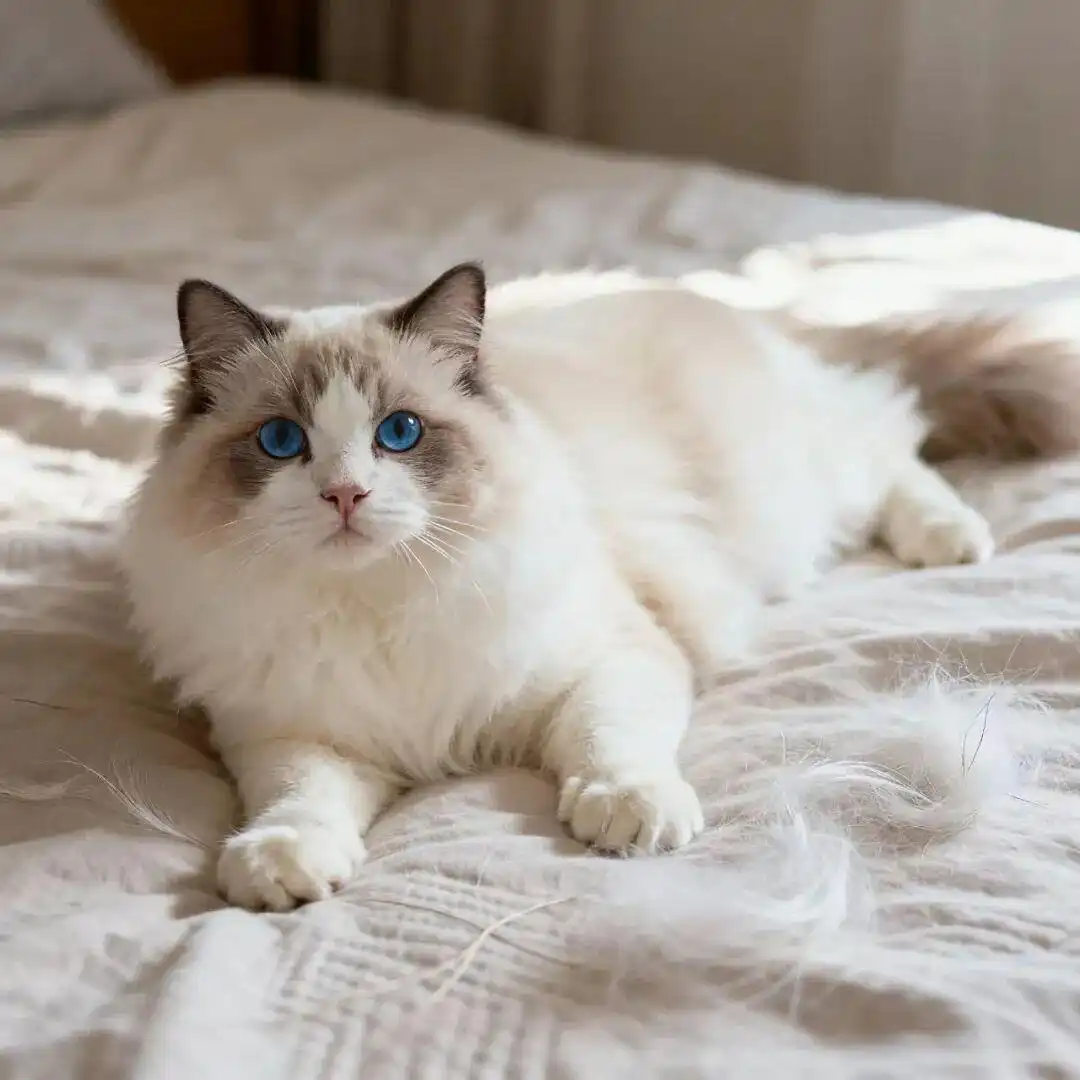
Yes. A clear head, visible markings and one animal in the image usually produce better consistency.
Is the uploaded image stored on the server?
The original image is processed in server memory for the request. Results are returned to the browser and cached locally by default.